How Can We Help?
Verifying Your SafariQuest Partner Account
As a Tourism Regulatory Authority (TRA) partner, we aim to provide a trustworthy booking engine for our customers. We work closely with the agency to ensure that only certified listings are displayed. This boosts customer confidence and helps prevent rogue service providers from taking advantage of unsuspecting travellers. For this reason, we require you to upload clear copies of your most current TRA certificate and Partner contract as part of your account verification. Follow the following instructions.
- Click on Verifications at the bottom left of your SafariQuest Partner Dashboard. You will see a window that looks like the one shown below.
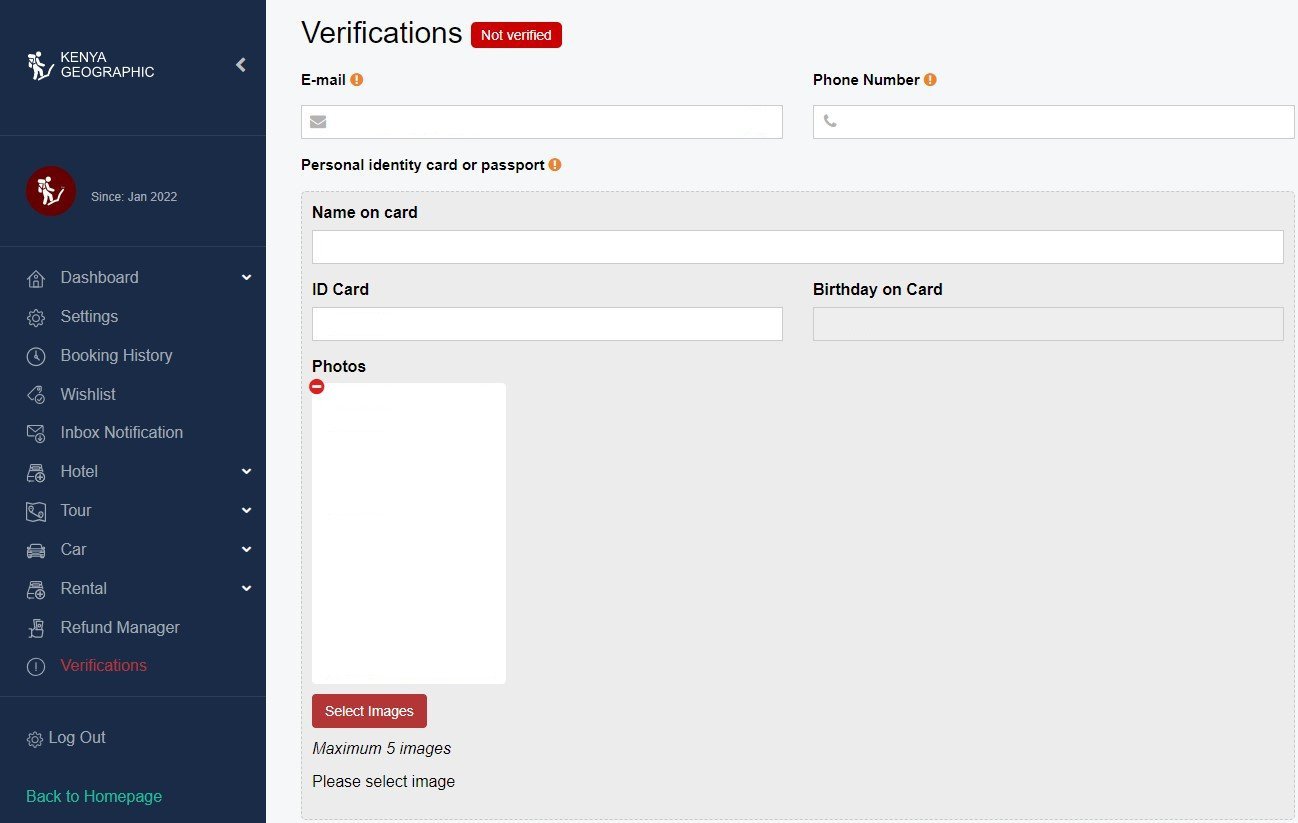
- Fill in the details of the designated account associate in the first section above. This section requires their ID copy and passport photo.
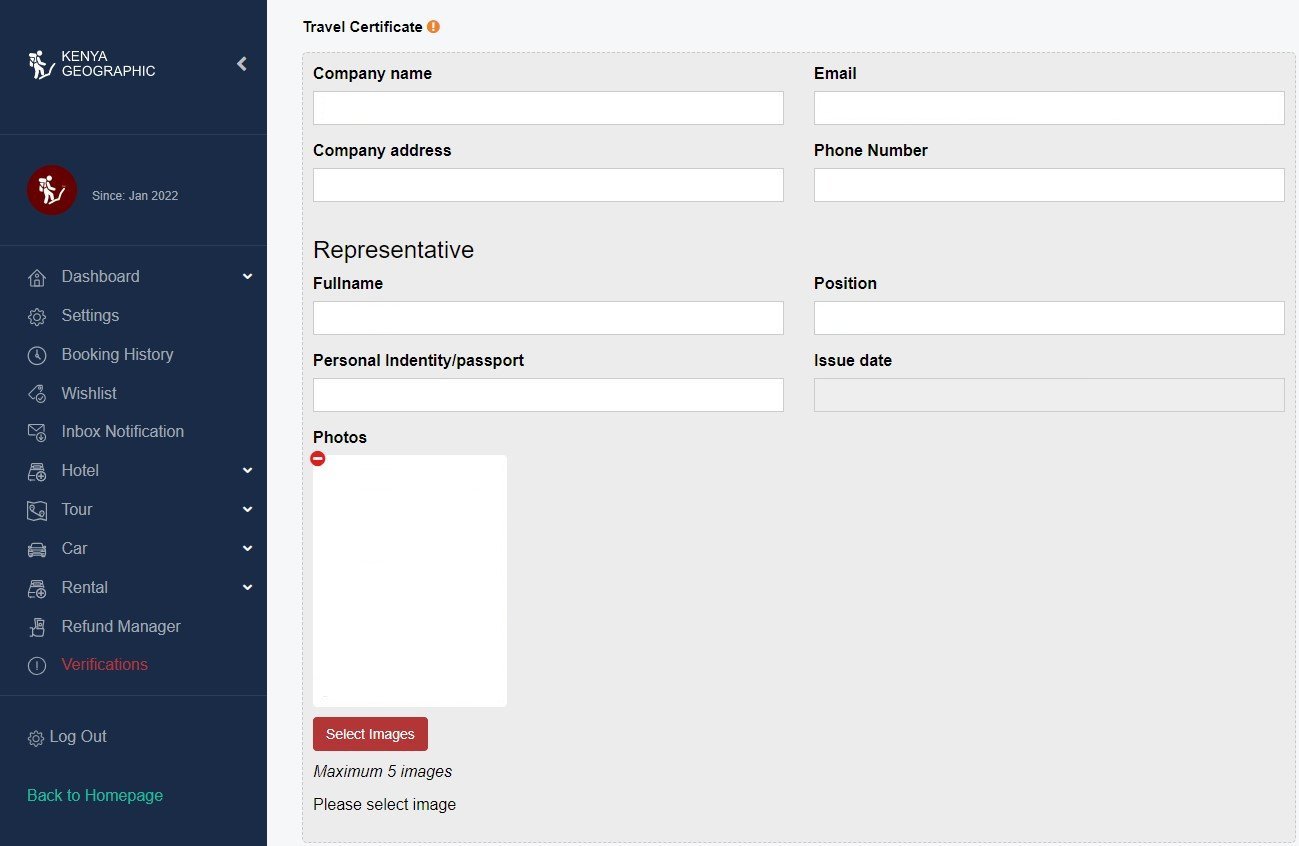
- Next, provide travel certificate details. Upload copies of your TRA certificate and recent SafariQuest Partner Contract here.